 Moogoose
Before the thought slips away
Saying the point takes seconds, so you can reply while you still remember what you wanted to say.
ADHD
Moogoose is an AI voice keyboard for Android that helps adults with ADHD (or ADD) reply to messages, emails and chats without the struggle of writing them. With ADHD, a reply can be clear in your head but hard to start, organise or finish in writing. Messages wait, long threads get skipped, and a quick answer turns into a big task. Moogoose lets you say the gist while the thought is fresh. It drafts the message and gives you a short spoken summary of it, and you check it before you send.
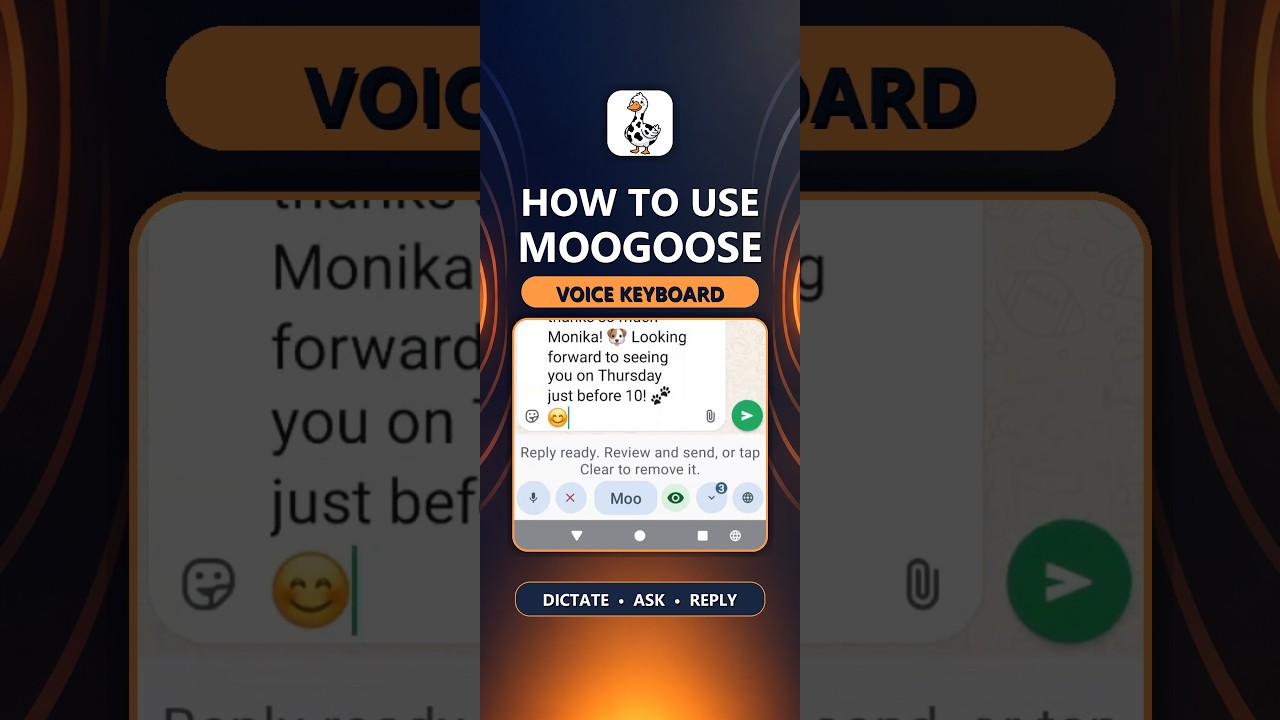
Get Moogoose on Google PlayThe Get Started video shows the keyboard, its two voice controls and how to draft a reply from a spoken instruction.
Watch full screenThe difference
Yes. With Conversation Reading on, say “catch me up” and Moogoose sums up the conversation on your screen, so you can reply without reading every message.
AI writing assistance
You do not need to plan the message before you start. Say it the way it comes out, such as “tell them sorry for the late reply, yes to Friday, and ask what time”, and Moogoose’s AI writing control turns it into a clear, ordered message. With Conversation Reading on, it also knows what the other person said, so the reply fits.
Everyday example
You meant to reply to a friend days ago, and starting the message now feels hard.
“Tell them sorry it took me a while, and yes, I can bring the drinks on Saturday.”
In seconds there is a friendly reply that apologises, says yes and confirms the drinks. The message that waited for days is finally sent.
Using the keyboard
Open the chat as soon as you think of it, before the thought or the motivation goes.
Press the Moogoose button and talk; your points do not need to come out in order.
Listen to the quick summary. If it sounds right, send it and move on to the next thing.
What to expect
Saying the point takes seconds, so you can reply while you still remember what you wanted to say.
Moogoose puts your points in order and adds the punctuation. If the first version is too long or too formal, just ask for another.
Use it for emails, social posts and new messages too. Say the main points and Moogoose writes the whole thing.
Good to know: Moogoose writes the draft and you send it, so nothing goes out until you are happy with it.
Your questions
Yes. It helps with starting, organising and finishing messages. Say the gist, and Moogoose writes the message and gives you a short spoken summary of it.
Make the reply smaller: say the gist out loud and let Moogoose write it, so a reply takes seconds instead of feeling like a big writing task.
Yes. You do not need to plan or structure anything first. Say the point, and Moogoose does the organising.
Yes. Say your points as they come, and Moogoose puts them into a clear, ordered message.
Yes. With Conversation Reading on, ask it to catch you up, and it sums up the conversation on your screen so you can reply quickly.
Take them one at a time: open the chat, ask Moogoose to catch you up, then say your reply. Each one takes a minute or less.
Yes. Ask for a shorter, friendlier, more formal or more casual version, as many times as you like.
Yes. Say what the email needs to cover, and Moogoose writes a clear, professional version for you to check.
Yes. Describe what you want to post, and Moogoose writes it in the tone you choose.
Set up a short personal profile by voice, and replies follow your style. You can always ask for a different tone.
Yes. Moogoose helps anyone who finds starting or organising written messages hard, whatever the label.
Yes. Ask for the tone you want, hear what Moogoose wrote, and change it until you are happy to send it.
Moogoose works wherever you type on Android, including WhatsApp, Slack, Microsoft Teams, Gmail and Instagram.
Setup takes about two minutes, so you can reply to your next message with it straight away.
Yes. Moogoose keeps your conversation history on your phone and sends only what an AI request needs, through its protected server, to Google Gemini. See the Privacy Policy for more.
Keep exploring
Get Moogoose for Android. Pay as you go. No subscription — you only pay for what you use.
Get it on Google Play