 Moogoose
Hands, eyes and energy
Speaking can replace many precise taps, and the spoken summary can reduce how much you need to read on screen. A short instruction instead of a long typed reply can also save effort.
Multiple sclerosis (MS)
Moogoose is an AI voice keyboard for Android that helps people with multiple sclerosis (MS) write messages by speaking, even on days of fatigue, numbness or brain fog. MS can make a phone message harder in more than one way: weak, numb or shaky hands, blurred or double vision, tiredness, or trouble finding the right words. Some days are harder than others. Moogoose lets you say what you want to say, drafts the message and gives you a short spoken summary of what it wrote, so a reply takes less typing and less effort.
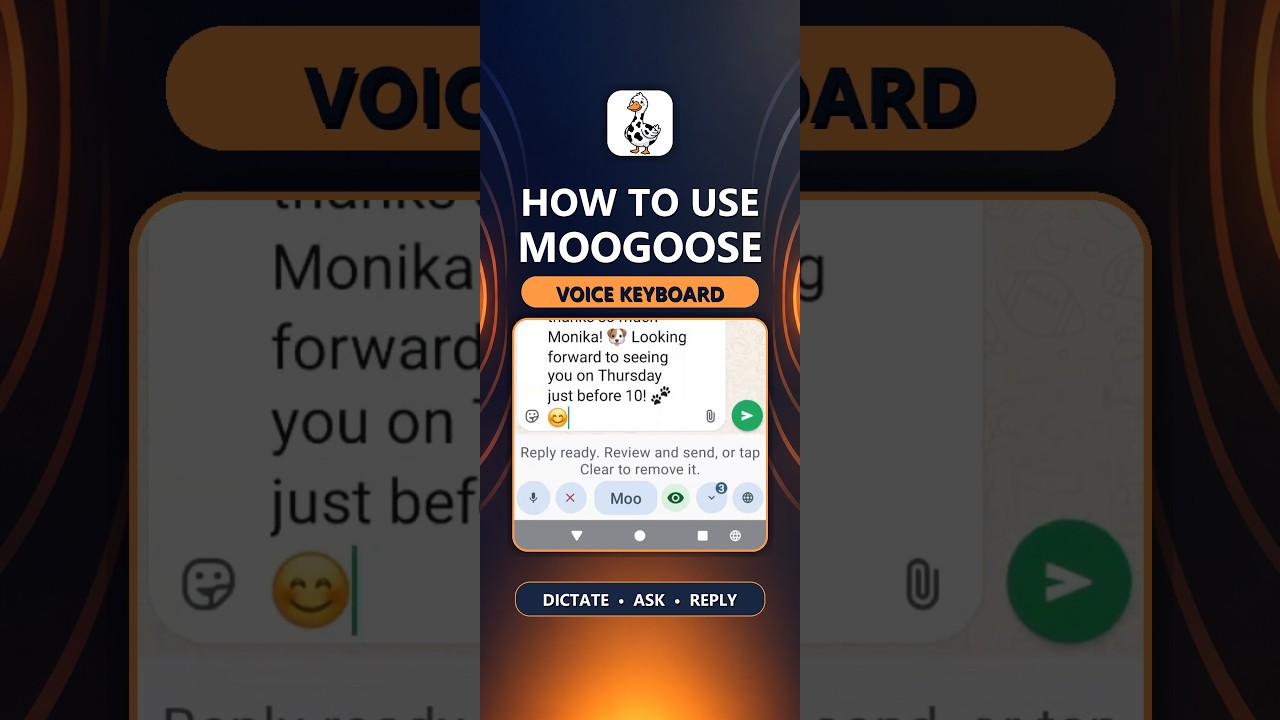
Get Moogoose on Google PlayThe Get Started video shows the keyboard, its two voice controls and the quick setup steps.
Watch full screenThe difference
Use Moogoose on the days when typing, reading or concentrating is harder, and your usual keyboard on other days. Both keyboards stay installed side by side, and the globe key swaps between them in one tap.
AI writing assistance
You do not need to find every word or type every letter. Say the gist, such as “tell them I can’t come today, but next week is fine”, and Moogoose’s AI writing control turns it into a complete message. With Conversation Reading on, it also takes account of the messages you are replying to. When you would rather choose every word, the microphone types your speech exactly.
Everyday example
You are tired and your hands are weak, but a friend has asked whether you can meet this week.
“Tell them this week is hard, but I could do Tuesday next week.”
Moogoose writes a kind, clear reply suggesting next Tuesday, and tells you what it says, so you do not have to read it on a tiring day.
Using the keyboard
Open the chat, email or post you want to write and switch to the Moogoose keyboard.
Press the Moogoose button and describe the reply in a few words, even if your thoughts feel foggy.
A short spoken summary saves your eyes and energy. If your vision allows, glance at the text, or let TalkBack read every word, then send.
What to expect
Speaking can replace many precise taps, and the spoken summary can reduce how much you need to read on screen. A short instruction instead of a long typed reply can also save effort.
If brain fog makes it hard to organise a sentence, say the point in everyday words and let Moogoose shape it. You can ask for a simpler, shorter or friendlier version.
If MS has made your speech slower or less clear, speak close to the phone without background noise. A few key words are often enough for the Moogoose button to write the full message.
Good to know: Moogoose supports people living with MS as a writing aid; it is not a medical device. Check dates and details before you send.
Your questions
Yes. When multiple sclerosis makes typing, reading or finding words harder, say a rough idea and Moogoose writes the message and gives you a short spoken summary of it.
Yes. You speak instead of pressing each letter, so numb or weak fingers only need to press a couple of large buttons.
The short spoken summary tells you what Moogoose wrote, so you need to read less on screen. If you want every word, Android’s TalkBack screen reader can read the whole message.
Yes. Saying the gist of a reply takes much less energy than typing it, which helps on tired days.
Yes. Say your thoughts as they come, even out of order, and Moogoose turns them into a clear message. You can ask for a simpler version too.
Yes. On harder days, such as during a relapse, use Moogoose for messages, and go back to your usual keyboard when you feel better.
Yes. Moogoose helps with the effects on typing, reading and writing, whatever type of MS you have.
Speak close to the phone in a quiet room. With the Moogoose button you only need to say a few key words, not every word of the message.
Yes. Say what you need to say and who it is for, and Moogoose writes a clear email for you to check.
Yes. With Conversation Reading on, ask “catch me up”, and Moogoose sums up the conversation on your screen.
Yes, and in text messages, email, Facebook and any other Android app with a text box.
Yes. You can create your personal writing profile by speaking. Turning on the keyboard takes a few taps in Android settings.
Yes. Switch between your usual keyboard and Moogoose with one tap, depending on how you feel.
About two minutes. The Get Started video shows each step.
Moogoose stores your conversation history and writing profile on your phone. When you use AI, only what that request needs passes through Moogoose’s protected server to Google Gemini.
Keep exploring
Get Moogoose for Android. Pay as you go. No subscription — you only pay for what you use.
Get it on Google Play