 Moogoose
Choose the tone
Ask for a reply that is more polite, more direct, warmer or shorter. Keep the version that says what you mean.
Autism
Moogoose is an AI voice keyboard for Android that helps autistic and neurodivergent adults, including people diagnosed with Asperger’s, write messages with the right tone. Written messages can be hard work when you have to guess what someone meant or how your reply will sound. Moogoose lets you ask about a visible message, say your reply in your own words, and choose the tone. It drafts the message and gives you a short spoken summary of it, and you decide what to send.
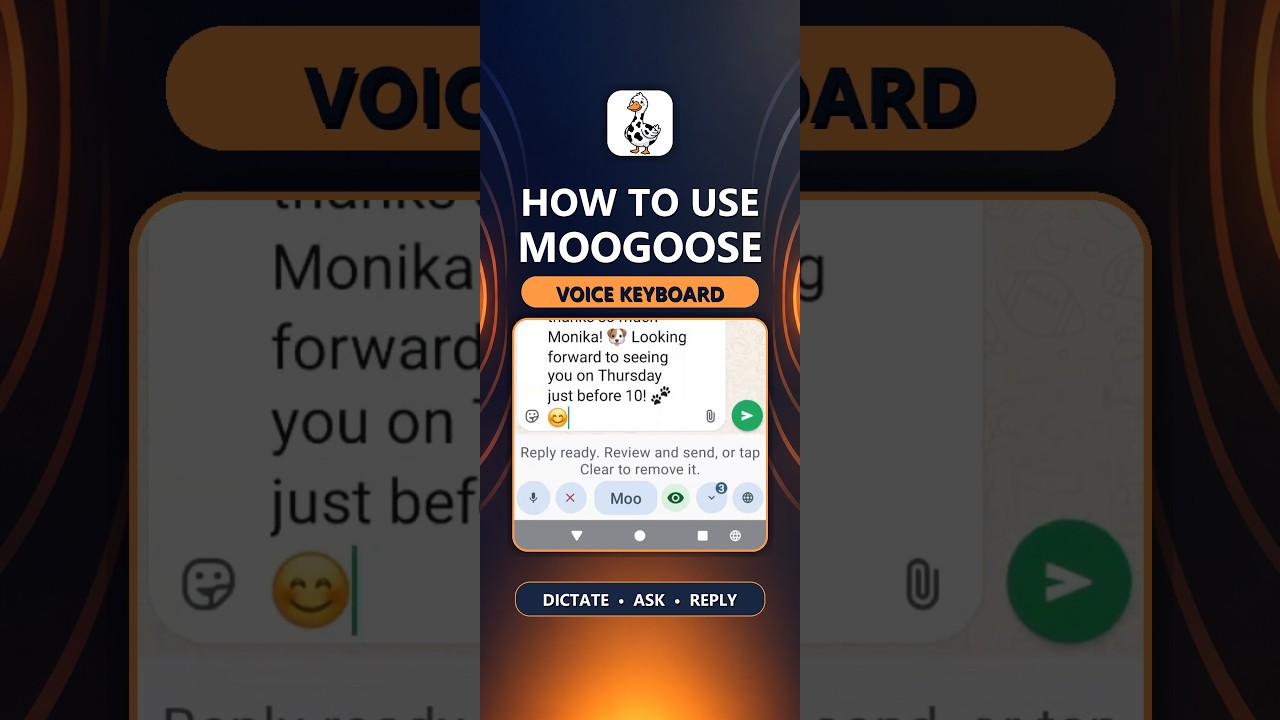
Get Moogoose on Google PlayThe Get Started video shows the keyboard, its two voice controls, asking about a conversation and drafting a reply.
Watch full screenThe difference
Yes. With Conversation Reading on, ask Moogoose about a message on your screen, such as “are they asking me to do something?”. It explains how the message is likely meant, so you can decide how to reply.
AI writing assistance
Say what you want to communicate, then ask for the tone you need, such as “more polite”, “more direct” or “friendly but short”. With Conversation Reading on, you can also ask what a message on your screen means before you answer.
Everyday example
A colleague asks you to swap shifts, and you want to say no without sounding rude.
“Tell them no, I can’t swap this week, but keep it friendly.”
Moogoose drafts a polite reply in the message field and gives you a short spoken summary of it. You can ask for a more direct version before you send it.
Using the keyboard
Open the conversation. If you are unsure what the other person meant, ask Moogoose first.
Tap the Moogoose button and say your reply in your own words. Add the tone you want if it matters.
Moogoose tells you what it wrote. Ask for it warmer, plainer or more direct until it feels right, then send.
What to expect
Ask for a reply that is more polite, more direct, warmer or shorter. Keep the version that says what you mean.
With Conversation Reading on, ask what a message means or what the other person wants, before you decide how to reply.
Ask for simple, literal wording, and try as many versions as you like until the draft says exactly what you mean.
Good to know: Moogoose gives its best reading of a message; if something really matters, check with the person. You send every message yourself.
Your questions
Yes. Say what you want to communicate and the tone you want, and Moogoose writes the message and gives you a short spoken summary of it.
Yes. Ask for a softer, more polite or friendlier version, or a more direct one, and keep the version that says what you mean.
Yes. With Conversation Reading on, ask about a message on your screen, and Moogoose explains how it is likely meant, so you can decide how to reply.
Yes. Ask “is this sarcastic?” or “what do they really want?”, and Moogoose explains how the message is likely intended.
Yes. Ask for simpler, shorter or more literal wording, and keep asking until the draft says exactly what you mean.
Yes. Say something like “thank them and ask how their weekend was”, and Moogoose writes a natural, friendly message.
Yes. Say what you want, such as “say no, but keep it friendly”, and Moogoose writes a polite reply.
Yes. Ask for another version as many times as you like, then keep the one that fits.
Yes. Say the purpose and the main points, then ask for the tone you need, such as polite and professional.
Yes. Moogoose is for anyone on the autism spectrum who finds the tone or wording of messages hard.
Tell Moogoose a little about yourself and how you like to write, and replies follow your style.
Yes. Ask Moogoose to sum up a busy chat, so you know what matters before you reply.
Yes. It works in any Android app with a text box, from WhatsApp to Microsoft Teams, Slack and email.
About two minutes. The Get Started video shows every step in order.
Moogoose keeps your saved conversations on the phone itself. Your spoken instruction and the context it needs go through Moogoose’s protected server to Google Gemini.
Keep exploring
Get Moogoose for Android. Pay as you go. No subscription — you only pay for what you use.
Get it on Google Play