 Moogoose
Big buttons, no small keys
Moogoose has large, clear buttons, and one spoken instruction can replace a whole message of typing.
Parkinson’s and tremor
Moogoose is an AI voice keyboard for Android that helps people with Parkinson’s disease, essential tremor or shaky hands write messages by speaking. Tremor, stiffness and slow movement can make small keys hard to hit and long messages tiring to type. With Moogoose you talk instead of tapping: say the exact words, or just the point you want to make, and it types the whole message for you and tells you what it wrote.
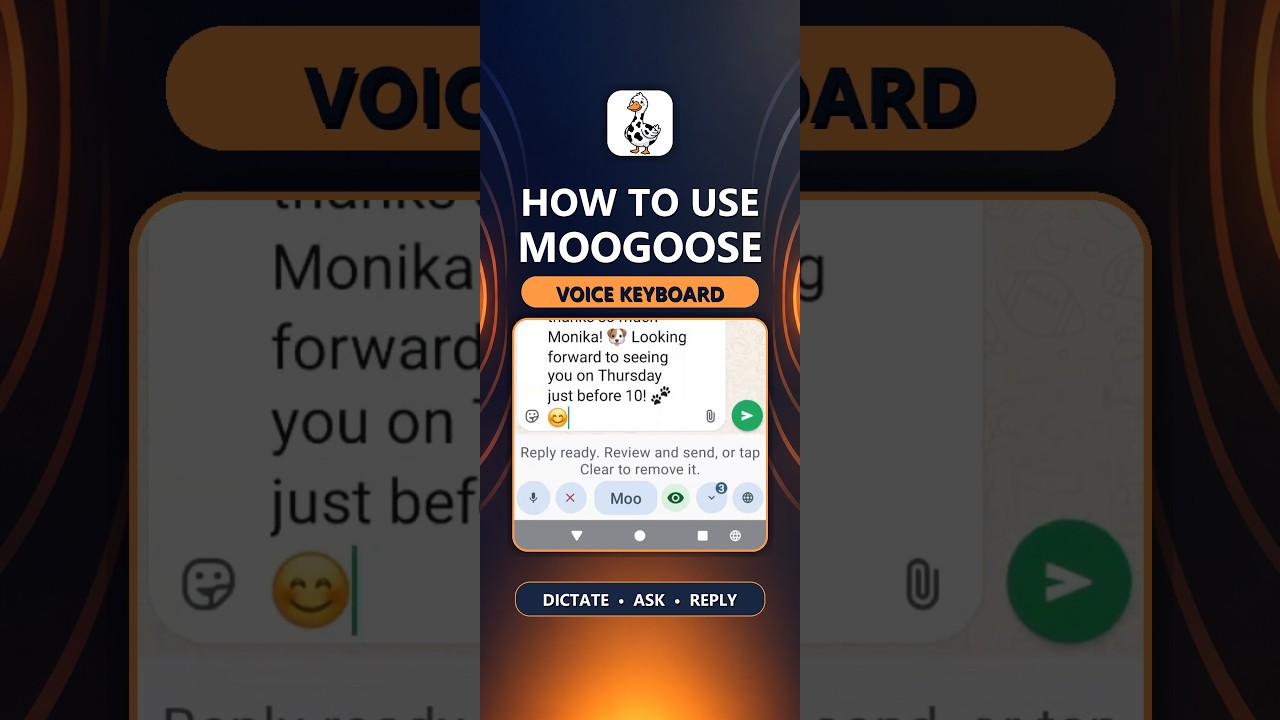
Get Moogoose on Google PlayThe Get Started video shows how a whole message is written by voice, from the first tap to Send.
Watch full screenThe difference
Very little. You tap to start Moogoose and tap to send. Moogoose does all the typing in between, so tremor and stiff fingers matter much less.
AI writing assistance
A short spoken instruction can become a full message, so you make far fewer precise taps. Say “tell them thanks, I’ll be there at ten” and Moogoose’s AI writing control writes the complete reply. If you would rather say every word yourself, the microphone types exactly what you say.
Everyday example
Your hands are shaky today, and your daughter has asked whether you are free on Sunday.
“Tell her yes, Sunday lunch would be lovely, and ask what I can bring.”
A warm reply appears in the message box, and Moogoose tells you in a few words what it says. One tap on Send and it is on its way.
Using the keyboard
Tap the message box in WhatsApp, Messages or email, and the Moogoose keyboard opens with its large buttons.
Press the Moogoose button once and say what you want the reply to say, at your own pace.
A quick spoken summary follows. If you want a change, just say so; when it is right, tap Send.
What to expect
Moogoose has large, clear buttons, and one spoken instruction can replace a whole message of typing.
Tremor and stiffness change from hour to hour. Keep your usual keyboard for good moments and switch to Moogoose with the globe button when your hands are shakier.
If Parkinson’s has made your voice softer, keep the phone near your mouth and cut out background noise. Short instructions work well, so you do not need to speak for long.
Good to know: Moogoose is a writing aid for people with Parkinson’s and tremor, not a medical device. Give names and times a quick check before you send.
Your questions
Yes. When tremor, stiffness or slow movement makes typing hard, say the gist and Moogoose writes the whole message and gives you a short spoken summary of it.
Yes. Speaking replaces the typing, and the few buttons you need are large and easy to hit.
Avoid the small keys altogether: press the large Moogoose button, say your message, and press Send.
Hold the phone near your mouth and keep background noise down. Short instructions work well, so you do not need to talk for long.
Yes. One short spoken instruction can replace minutes of slow typing.
Yes. Say “make it shorter” or “add that I’ll ring later”, and Moogoose changes the draft.
Yes. Tell Moogoose who the email is for and what it should say, such as a question about an appointment, and it writes it for you.
WhatsApp, text messages, email, Facebook and any other app where you type on Android.
Yes. Keep your usual keyboard and switch to Moogoose with the globe button whenever your hands are shakier.
Moogoose’s buttons are large and clear, so they are much easier to hit than letter keys.
Yes. It is a few taps in Android settings, which a relative can do for you in about two minutes.
Android’s Voice Access lets you press buttons by voice, while Moogoose does the writing. It is worth testing the two together on your phone.
Yes. With Conversation Reading on, ask Moogoose about a message on your screen, and it tells you the gist.
Yes. Moogoose writes in over 70 languages, so you can message family abroad in their own language.
Conversations and your profile are kept on your phone. AI requests travel through Moogoose’s protected server to Google Gemini, and the Privacy Policy explains the details.
Keep exploring
Get Moogoose for Android. Pay as you go. No subscription — you only pay for what you use.
Get it on Google Play