 Moogoose
Flare days and stiff mornings
Arthritis is often worst first thing in the morning or during a flare. That is when Moogoose earns its place; on easier days your normal keyboard is still one tap away.
Arthritis and hand pain
Moogoose is an AI voice keyboard for Android for people with rheumatoid arthritis, osteoarthritis, carpal tunnel or other painful joints. Arthritis, RSI and other hand pain can make every tap on a small keyboard sore and slow, especially on stiff mornings or during a flare. Moogoose gives your fingers a rest: speak your message, or only its main point, and Moogoose types it out in full and gives you a quick spoken summary of it.
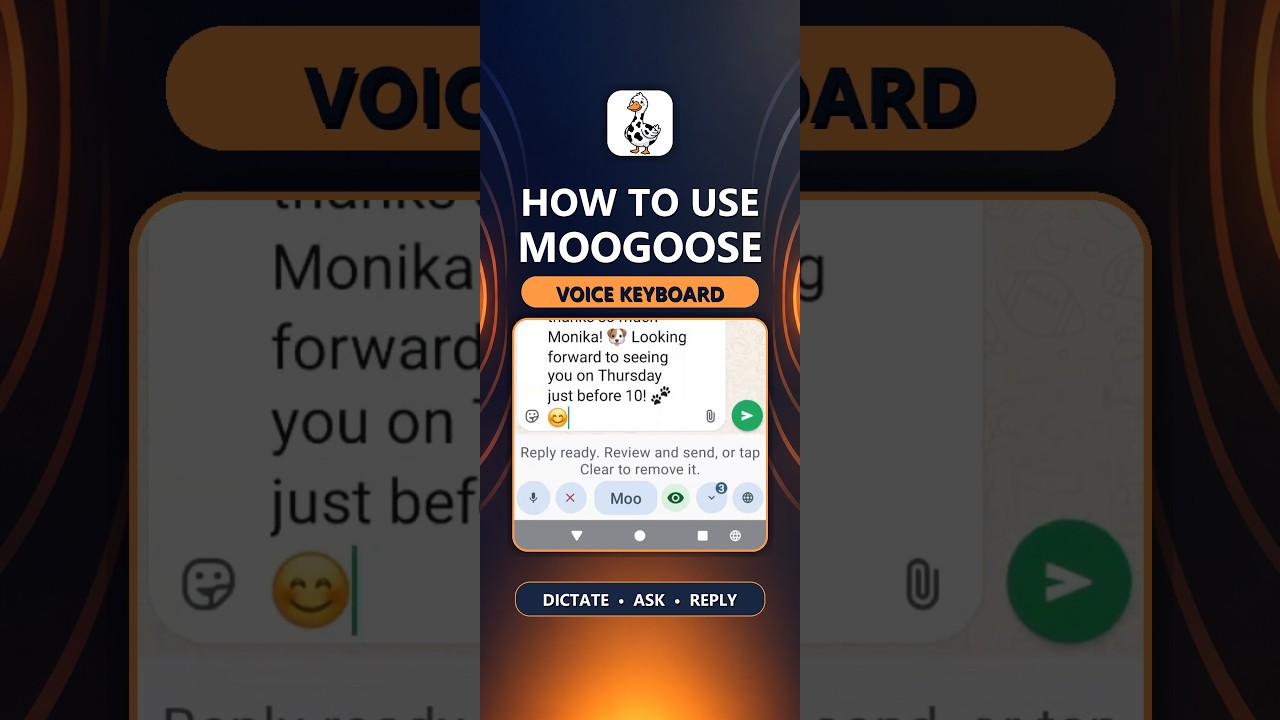
Get Moogoose on Google PlayThe Get Started video shows the large buttons and how little pressing a message needs.
Watch full screenThe difference
Almost all of it. Moogoose writes the whole message from what you say, so you only tap to start it and to send.
AI writing assistance
One short spoken instruction can become a full message, so you type far less. Say “tell them I’m running ten minutes late, sorry” and Moogoose’s AI writing control writes the reply. Prefer to dictate word for word? The microphone button does exactly that.
Everyday example
Your fingers are stiff this morning, and a friend has asked about meeting for coffee.
“Tell her I’d love to, but can we make it after eleven?”
Moogoose writes a friendly reply suggesting a later time, without a single letter typed. You glance at it and press Send.
Using the keyboard
Tap into a text message, email or social media post and bring up the Moogoose keyboard.
One press of the Moogoose button, then say what you want written. No small keys, no long typing.
A short spoken summary lets you know what it says. Ask for any change out loud instead of editing by hand, then press Send.
What to expect
Arthritis is often worst first thing in the morning or during a flare. That is when Moogoose earns its place; on easier days your normal keyboard is still one tap away.
Emails and long replies take the most typing. Say the main points and let Moogoose write the full message.
Moogoose has large buttons that are easier to press than small keys, and you can ask for changes by voice instead of editing by hand.
Good to know: Moogoose helps with typing when arthritis or hand pain makes it hard; it does not treat the condition. Check names and amounts before you press Send.
Your questions
Yes. Moogoose cuts out the typing that makes your hands hurt: you speak, it types, and a short spoken summary tells you what it wrote.
Yes. Whatever the cause of painful, swollen or stiff finger joints, speaking instead of typing removes most of the tapping.
Speaking instead of typing means far fewer finger and wrist movements, which can be easier on painful hands.
Press the large Moogoose button, say what you want to write, and press Send. That is all the pressing a message needs.
Yes. Say the purpose and the main points, and Moogoose writes the email for you to check.
Just a few: to start Moogoose and to send. Moogoose does all the typing in between.
Yes. Ask Moogoose to make a draft shorter, clearer or friendlier, instead of editing it by hand.
Yes. Those are the times it helps most. On easier days, your normal keyboard is one tap away.
Yes. Moogoose’s large buttons work with a finger, a knuckle or a stylus.
Yes. It works wherever you type on Android.
Yes. With Conversation Reading on, ask it to catch you up, then say your reply instead of typing it.
Yes. Moogoose supports over 70 languages, and you can speak in one language and reply in another.
Yes. Moogoose sits alongside Gboard, Samsung Keyboard or any other keyboard.
About two minutes, and most of it is a few taps in Android’s keyboard settings.
Your profile and conversation history live on your phone. The Privacy Policy sets out what goes to Google Gemini, through Moogoose’s protected server, when you use AI.
Keep exploring
Get Moogoose for Android. Pay as you go. No subscription — you only pay for what you use.
Get it on Google Play